


Q
What is the physical interface and main controller of this expansion card?
A
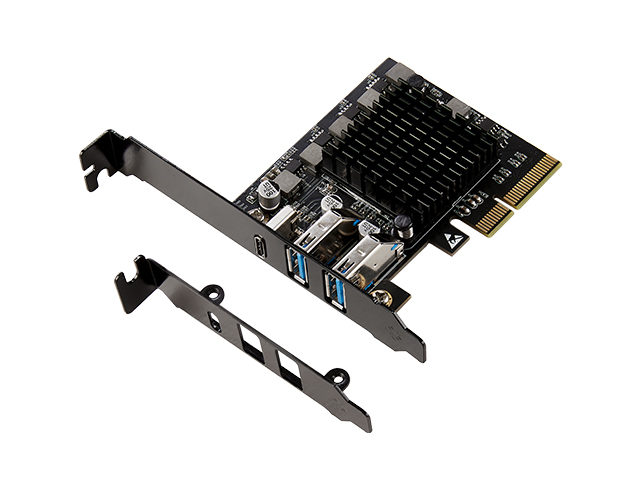
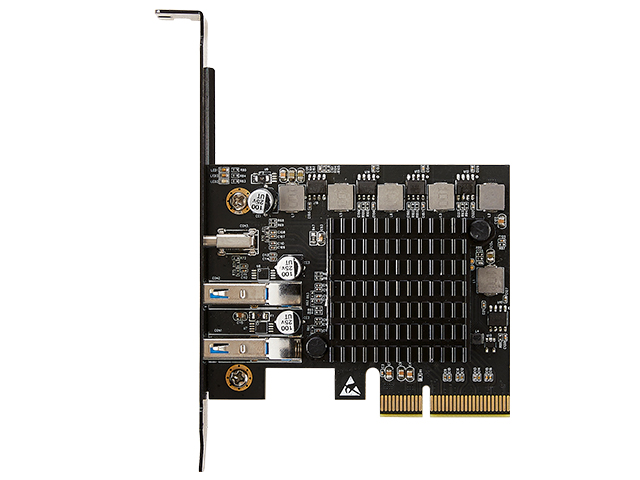
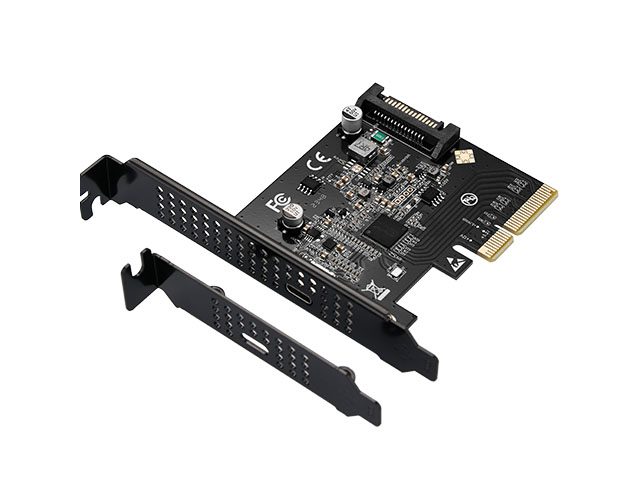
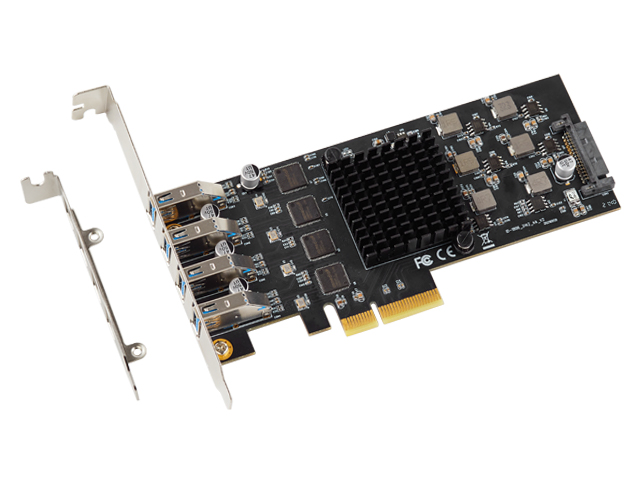
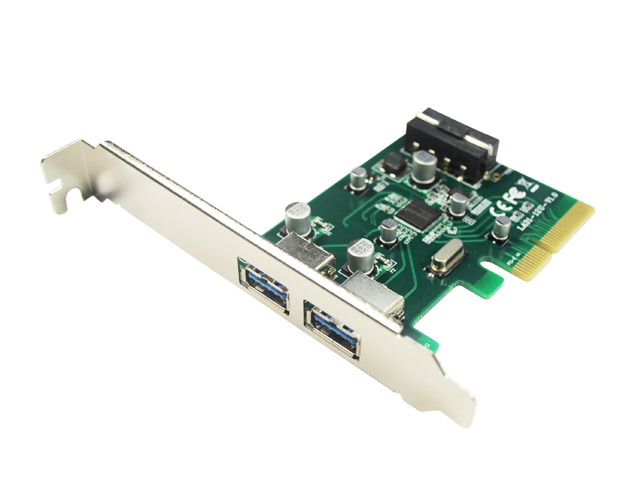
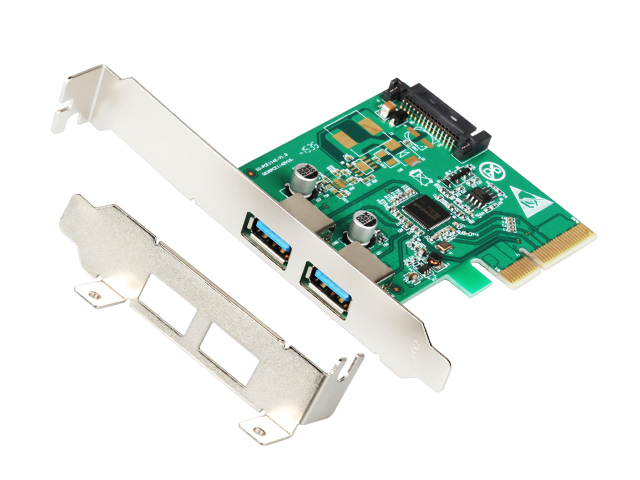
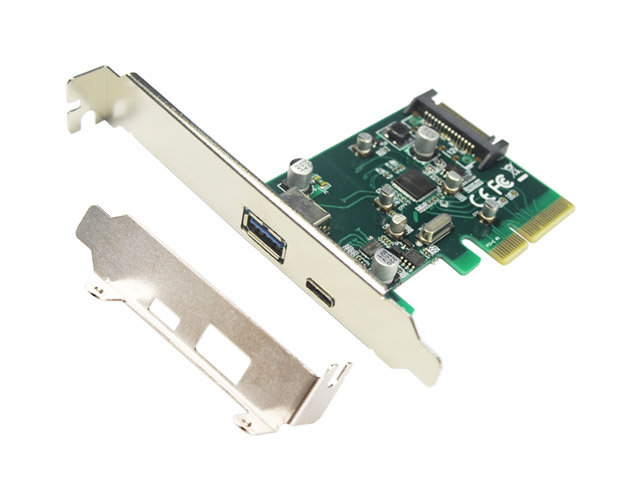
It uses a standard PCIe 3.0 x4 edge connector (compatible with x8/x16 slots). The controller is the ASMedia ASM3242 USB 3.2 Gen2x2 controller, natively supporting 20Gbps total bandwidth without additional bridge chips. It offers low latency and excellent compatibility, making it a cost-effective high-speed USB expansion solution for Windows and Linux platforms.
Q
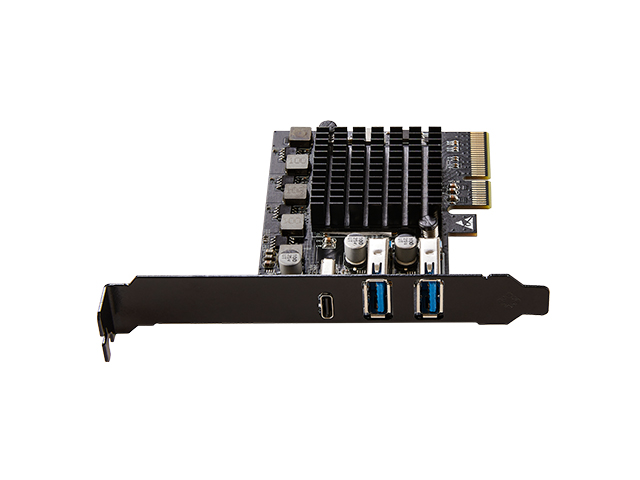
How is the bandwidth allocated among the three USB ports? Will they compete for speed?
A
All three ports share the ASM3242's total 20Gbps bandwidth with dynamic allocation as follows: When a single port is active, it can achieve its full rated speed (Type-C ≈19Gbps, Type-A ≈9.5Gbps). When both Type-A ports are active and the Type-C port is idle, each Type-A port maintains a stable 9Gbps+. When all three ports are under full load, the total bandwidth is evenly distributed, with each port dropping to about 6-7Gbps. This design prioritizes peak single-device performance while automatically scaling down to maintain stability during multi-device concurrency.
Q
Why can the Type-C port reach 19Gbps instead of the theoretical 20Gbps?
A
Due to protocol overhead, encoding losses, and motherboard PCIe channel throughput limitations, the actual effective speed is approximately 95% of the theoretical value. 19Gbps represents top-tier performance for the ASM3242 on consumer motherboards, far exceeding ordinary USB 3.2 Gen2 (10Gbps) cards. It is well-suited for bandwidth-sensitive devices such as NVMe drive enclosures, high-speed flash drives, and capture cards.
Q
Do the two Type-A ports support USB 3.2 Gen2? Can they fast-charge a smartphone?
A
Both Type-A ports are USB 3.2 Gen2 (10Gbps) specifications, designed for data transfer only. They do not support PD/QC fast-charging protocols and output ≤900mA (compliant with USB-IF specifications). Do not use them for fast-charging smartphones or tablets; doing so may trigger overcurrent protection or damage devices. For charging functionality, please use a dedicated charging port.
Q
Does the PCIe slot version affect performance? Can it be used in an x1 slot?
A
A PCIe 3.0/4.0 x4/x8/x16 slot is required to unlock the full 20Gbps bandwidth. The card physically cannot fit into an x1 slot due to width limitations. The use of x1-to-x4 adapters is strictly prohibited, as power delivery and signal integrity cannot be guaranteed, which may cause drive dropouts or motherboard damage.
Q
Which operating systems are supported? Do I need to install drivers manually?
A
Supports Windows 10/11 (64-bit) and Linux (kernel 4.15+). It is plug-and-play across all platforms without requiring manual driver installation.
Q
Can it work on older Windows versions (e.g., Windows 7) or 32-bit systems?
A
No. ASM3242 is officially supported only on 64-bit Windows 10/11. Windows 7/8 and all 32-bit systems will not recognise the device. Even if third-party drivers are forcibly installed, stability risks remain. We recommend upgrading to a modern 64-bit system for full functionality and security updates.
Q
Does it require an additional power connector during installation?
A
No. The ASM3242 consumes ≤3W and is fully powered by the PCIe slot (an x4 slot provides 25W, more than sufficient). However, if connecting high-power peripherals (such as a multi-drive array), ensure your power supply is rated at ≥450W to prevent transient current spikes from causing PCIe voltage drops.
Q
What bracket heights are available? Will it fit in a small form factor case?
A
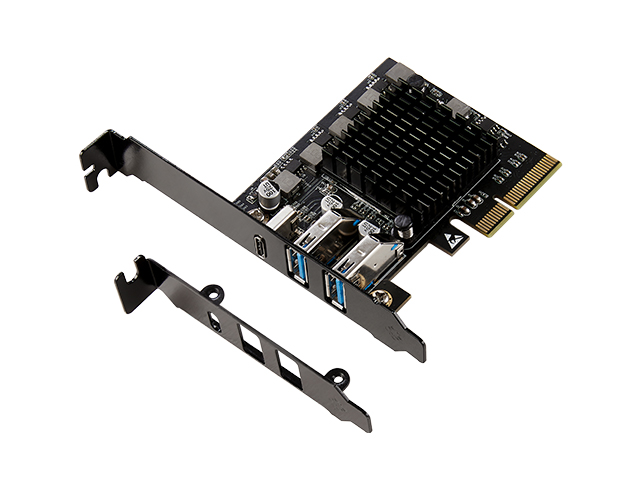
Both full-height and low-profile brackets are included, allowing you to swap them based on your chassis size. The low-profile bracket fits ITX/SFF systems, but please pay attention to cooling — the ASM3242 can reach 65°C under full load. Ensure adequate airflow inside small cases to maintain proper thermal performance.
Q
Can it coexist with other PCIe devices? Will there be conflicts?
A
Yes, it can coexist with graphics cards, network cards, sound cards, and other devices. However, avoid motherboard slots that share PCIe lanes (consult your motherboard manual's "Lane Sharing" section). We recommend installing it in a CPU-direct or PCH-independent x4-or-higher slot to avoid bandwidth contention with M.2 SSDs or SATA controllers, which could cause overall performance degradation.
Q
What peripherals are best suited for use with this product?
A
① NVMe USB4/3.2 Gen2x2 drive enclosures (to leverage the 19Gbps peak speed); ② Dual 10Gbps flash drives or U.2 adapters for parallel copying; ③ High-speed industrial cameras or capture cards; ④ Multi-device debugging environments (Type-A for keyboard/mouse/debugger, Type-C for data transfer). Avoid connecting USB hubs or low-speed devices that waste bandwidth.
Q
What are the key reminders for purchasing and using this product?
A
❶ Ensure your motherboard has an available PCIe 3.0 x4 or higher slot; ❷ Only for use with 64-bit Windows 10/11 or Linux — do not purchase for macOS or legacy systems; ❸ Type-C cables must support 20Gbps (look for E-Marker chips) — poor-quality cables will lock speed to 10Gbps; ❹ Accept that three-port concurrent use will reduce speeds — for full-speed operation under all conditions, choose a dual-ASM3242 card or a PCIe 4.0 solution; ❺ After installation, boot into BIOS to confirm PCIe link width is set to x4 to avoid performance loss from poor slot contact.