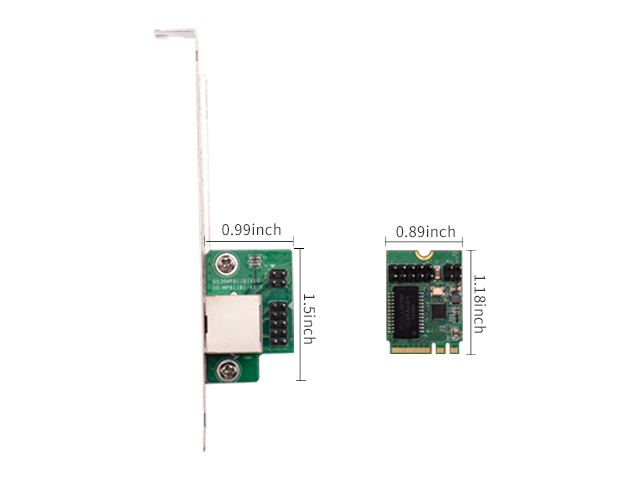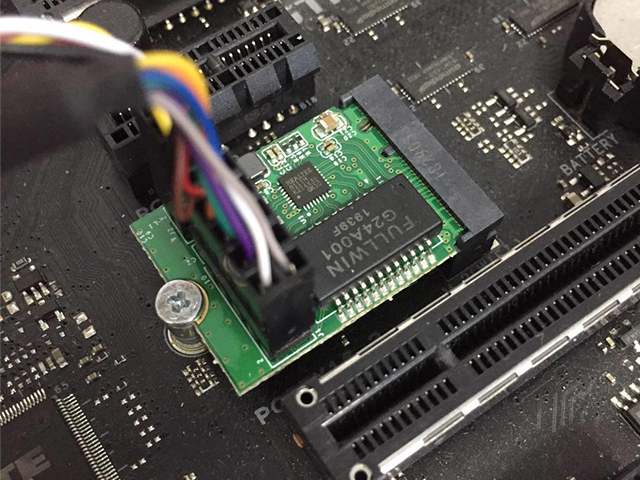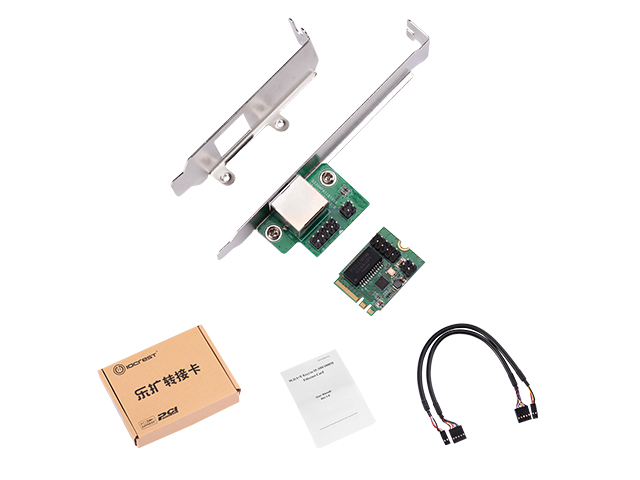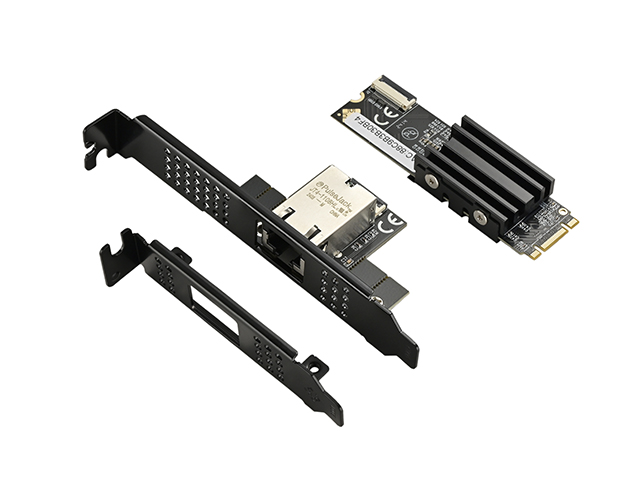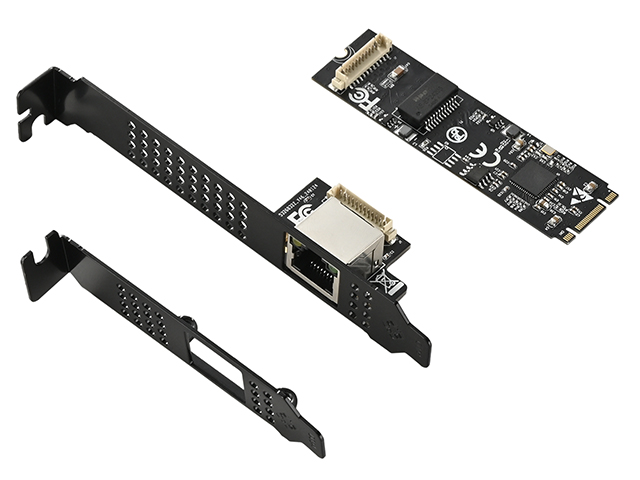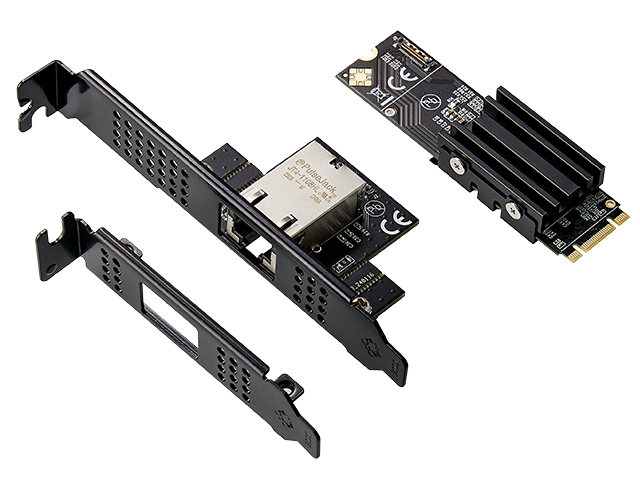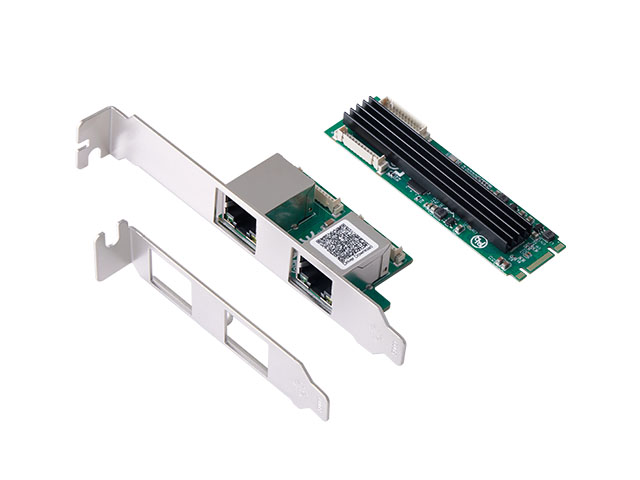



Features
• Integrated 10/100/1000M transceiver
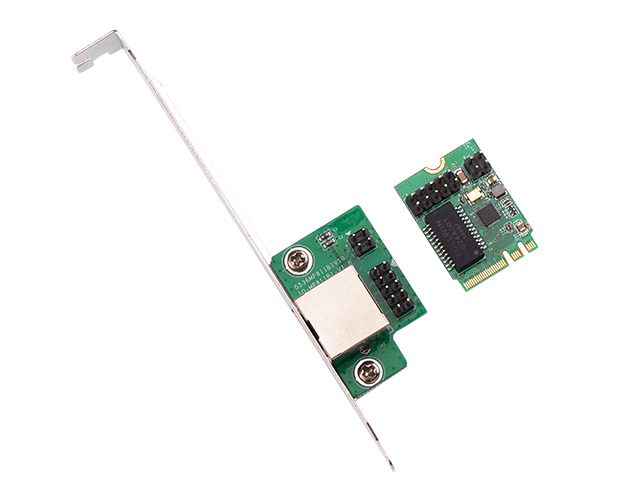
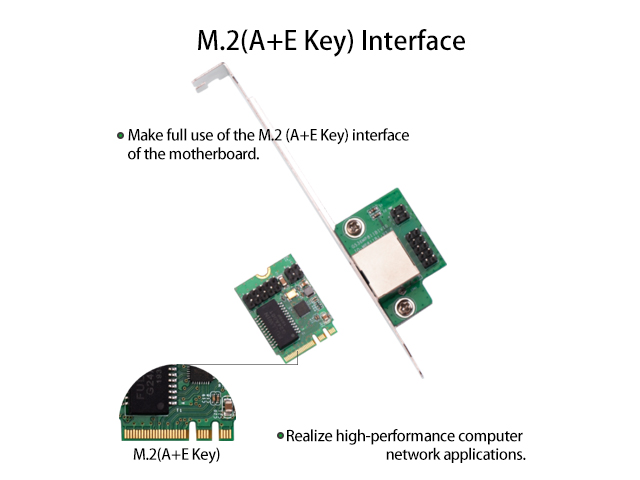
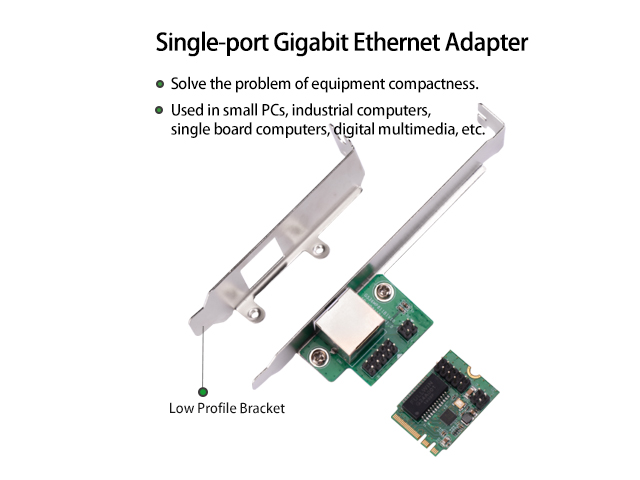
• NGFF(M.2)2230 key A/E
• M.2 A+E Key
• Supports PCI Express 1.1
• Supports pair swap/polarity/skew correction
• Crossover Detection & Auto-Correction
• Supports 1-Lane 2.5Gbps PCI Express Bus
• Supports hardware ECC (Error Correction Code) function
• Supports hardware CRC (Cyclic Redundancy Check) function
• Transmit/Receive on-chip buffer support
• Supports PCI MSI (Message Signaled Interrupt) and MSI-X
• Fully compliant with IEEE802.3, 802.3u and 802.3ab
• Supports IEEE 802.1P layer 2 Priority Encoding
• Supports 802.1Q VLAN tagging
• Supports IEEE 802.3az-2010(EEE)
• Supports Full Duplex flow control (IEEE.802.3x)
• Supports jumbo frame to 9K bytes
• Supports quad core Receive-Side Scaling(RSS)
• Supports Protocol Offload(ARP&NS)
• supports ECMA-393 ProxZzzy Standard for sleeping hosts
System Requirements
• Windows OS 32/ 64bit
• Linux, MAC OS and DOS
Package Contents
• 1 x M.2(A+E Key) to 10 /100/1000M Ethernet Card
• 1 x User Manual x 1
❓ What operating systems does this network card support? Does Windows 10 require driver installation?
✅ Windows 10 generally supports plug-and-play, but we recommend installing the drivers for optimal performance.
Driver download links:
RTL8111 chip driver: https://www.lekuo.com/uploadfile/upload//data/upload/image/RTL8111.zip
❓ Can this card be used on Linux systems?
✅ Yes, it supports Linux and works in plug-and-play mode.
❓ How should I connect the cables? Why can't I establish a network connection after wiring?
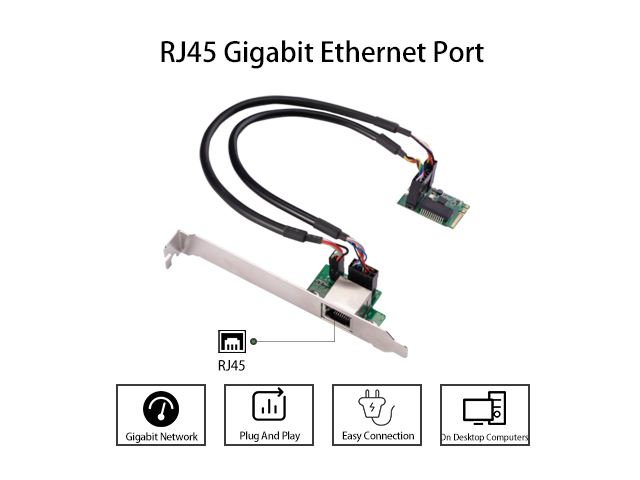
✅ If the network connection fails, please verify the wiring alignment as shown in the diagram below. Ensure the arrows on the cable match the arrows on the card's socket. A wiring tutorial video will be available soon (currently being edited due to large file size).
Alternatively, check if the square solder pads on the back of both boards are connected to the same wire. If not, rewire accordingly.
❓ Can you provide the pinout or wiring definition for this connector?
✅ Refer to the diagram here:

❓ My Windows 10 64-bit system works fine without the network card, but the PC keeps restarting after installation. What could be the issue?
✅ Try reinstalling the drivers, testing a different PCIe slot, and disabling wake-on-LAN features.
❓ The network card isn't detected—it doesn't appear in Device Manager. What should I do?
✅ Clean the gold contacts with an eraser, try a different PCIe slot, or test the card on another PC to isolate the issue.
❓ Can I use this card as long as my motherboard has the corresponding slot?
✅ Not necessarily. The slot must not only physically fit but also support PCIe signaling. If unsure, consult your motherboard manufacturer’s specifications or test the slot directly.
(Note: Maintained a neutral, technical tone with clear troubleshooting steps—typical of Western product documentation.)