

lekuo

深圳市乐扩多媒体有限公司

lekuo
lekuo
lekuo
lekuo

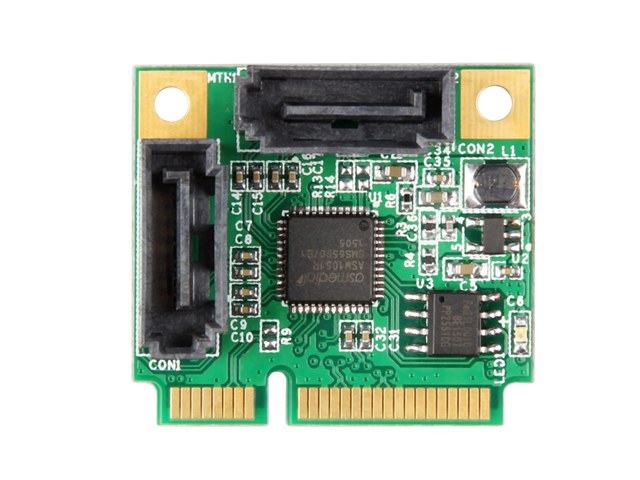
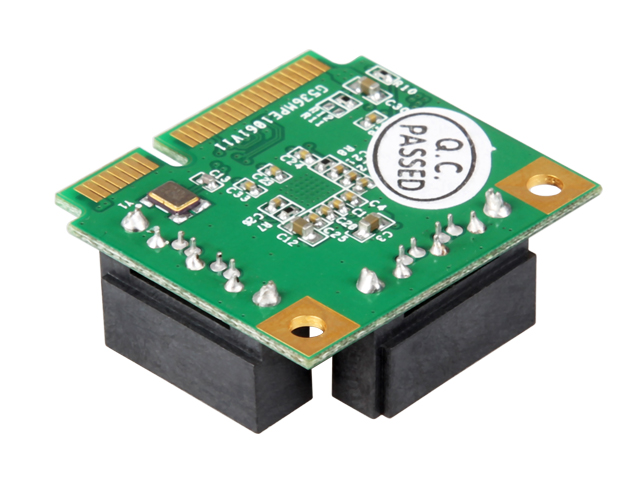
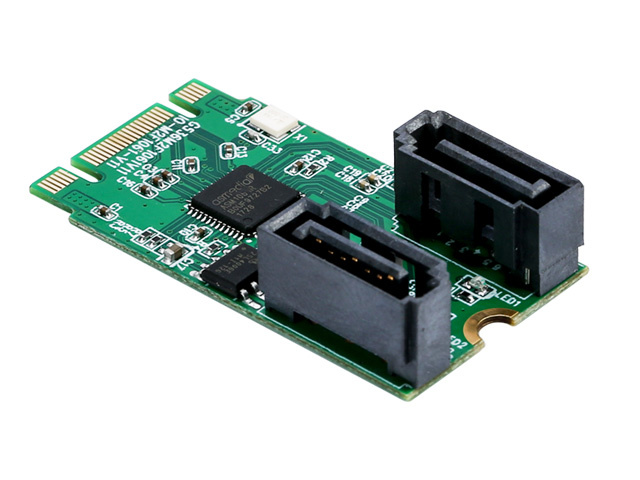
Mini PCI-E to 2 Port SATA 3.0 Raid Controller Card ,IO-MPCE1061R-2IR

Industry Specifications Compliance:Compatible with PCI-E Mini Card Electromechanical specification revision 1.2,Serial ATA AHCI Spec. Rev.1.3,Serial ATA Revision 3.2,Serial ATA Features
Model:
IO-MPCE1061R-2IR
Input Interface:
Mini PCIe
Output Interface:
SATA
Motherboard Slot:
Mini PCIe
Transmission Rate:
6Gbps
Product Size:
22X30mm
Product Specifications
Product Description
Driver Download
Document Download
Q&A

Features

Industry Specifications Compliance:

Compatible with PCI-E Mini Card Electromechanical specification revision 1.2

Serial ATA AHCI Spec. Rev.1.3

Serial ATA Revision 3.2

Serial ATA Features

Supports 2 ports Serial ATA PHY

1.5Gbps, 3.0Gbps and 6.0Gbps speed negotiation

SATA PHY 1i/1m/2i/2m/3i

Supports AHCI and IDE programming interface

Supports Native Command Queue (NCQ)

Supports Port Multiplier command based switching

Embedded hardware RAID engine

Supports RAID0, RAID1, SPAN

RAID mode changeable, controlled via the setting by two GPIOs or GUI utility

RAID0 high performance for the data transmission

Supports S.M.A.R.T feature

Supports automatic rebuild

Supports high performance off-line rebuild 

Supports background rebuild

System Requirements

Windows 10,8.1,7 (32 / 64 bit) / Vista / Server 2012 / 2008,Linux

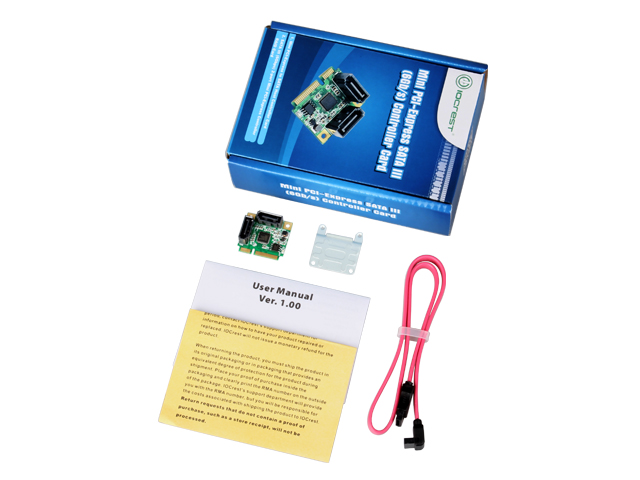
Package Contents

1 x User Manual

1 x SATA III (6Gbps) 2-port Mini PCI-Express Controller RAID Card

1 x SATA Cable

1 x Half size to full size bracket


1. IO-MPCE1061R-2IR

❓ Does this array card support UEFI mode?

 ✅ It supports both UEFI and legacy modes.

❓ What are the prerequisites for creating a RAID with the 1061R?

 ✅ The hard drives need to support the SATA interface, and at least two hard drives are required to create a RAID. Different RAID levels have different requirements for the number of hard drives. For example, RAID 1 requires at least two hard drives.

❓ Tutorial for creating RAID 1

 ✅ For the creation of RAID and the installation of the system, please open the following link: http://www.mmui.com.cn/index.php?id=1119. You need to enable CSM in the motherboard BIOS and select all legacy options. Save and restart. After the card's self-check screen appears, press Ctrl+R.

Is it necessary to format the hard drives before creating RAID 1?

 ✅ No, the hard drives will be automatically initialized when creating the array.

❓ Can I create RAID 1 with data already on the hard drives?

 ✅ Yes, but if the hard drives have data, you need to back up the data in advance.

❓ How to recover data if one of the drives fails?

 ✅ Replace the failed drive with a new, data-free hard drive of the same or larger capacity. If the replacement drive has been used before, it needs to be deleted of partitions and initialized.

❓ How to recover data if the array card fails?

 ✅ It is recommended to back up data before replacing the array card. Choose an array card of the same model and brand as the original to ensure that the RAID configuration data can be correctly recognized and read. After installing the new array card, it will automatically detect and read the existing RAID configuration data.

❓ How to recover data if one of the drives and the card fail simultaneously?

 ✅ Before replacing the card and the hard drive, back up the data from the good hard drive. Then, replace the damaged array card and hard drive. When replacing, choose an array card of the same model and brand as the original to ensure that the RAID configuration data can be correctly recognized and read. For the hard drive, the new hard drive must be in good condition.


Related Products
lekuo
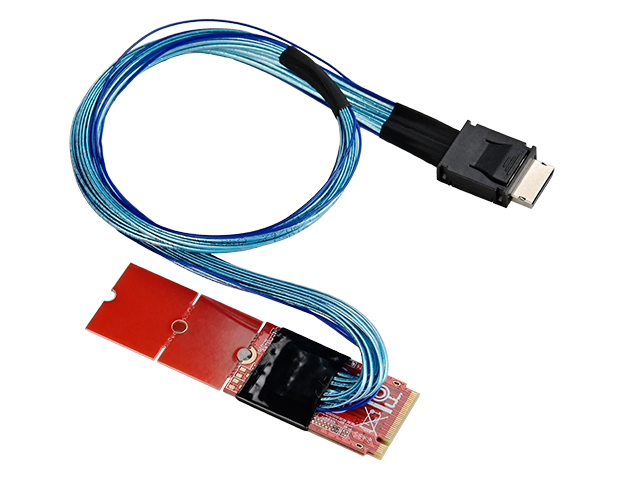
LeKuo M.2 (M-key) to MCIO 4i Adapter Card, MLKMC11
lekuo
Lekuo 8-Port M.2 PCIe 3.0 SATA Expansion Card
lekuo
M.2 M-key PCIe Gen4 to OCulink (SFF-8611) Adapter,IO-M2TO8612
lekuo
M.2(PCIe3.0) to 4 Port SATA 6G Adapter,IO-M2F5850-4I
lekuo
Lekuo M.2 to 4-Port SATA 6G RAID Adapter Card
lekuo
Lekuo M.2 PCIe to 8-Port SATA 6G Adapter Card