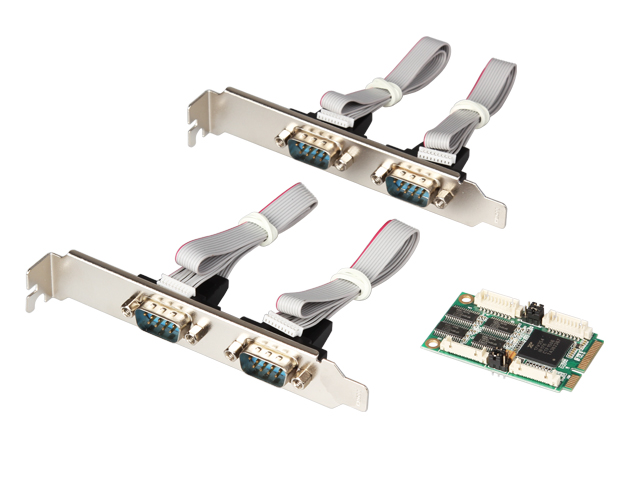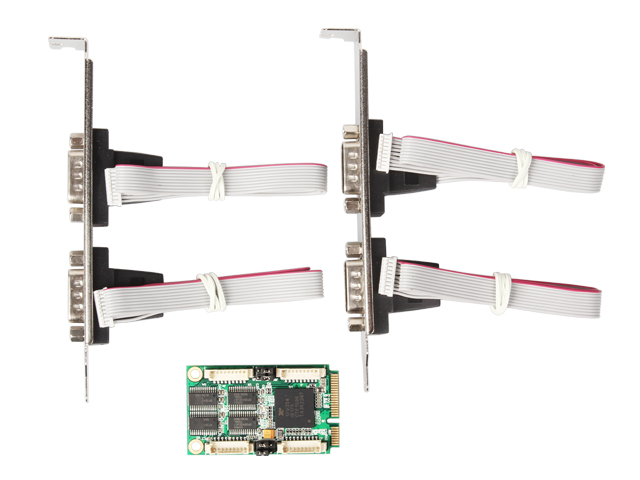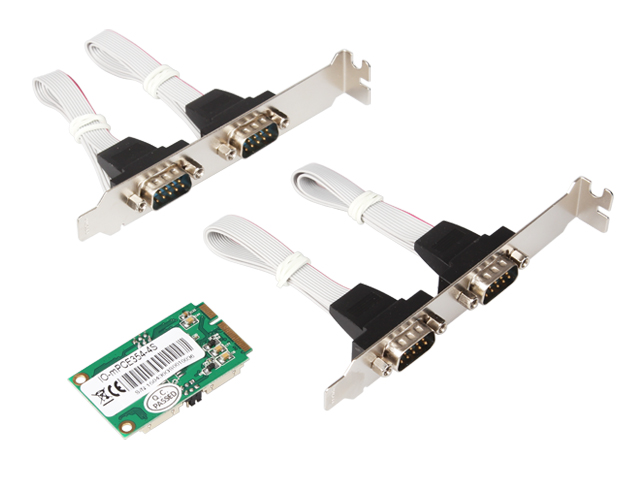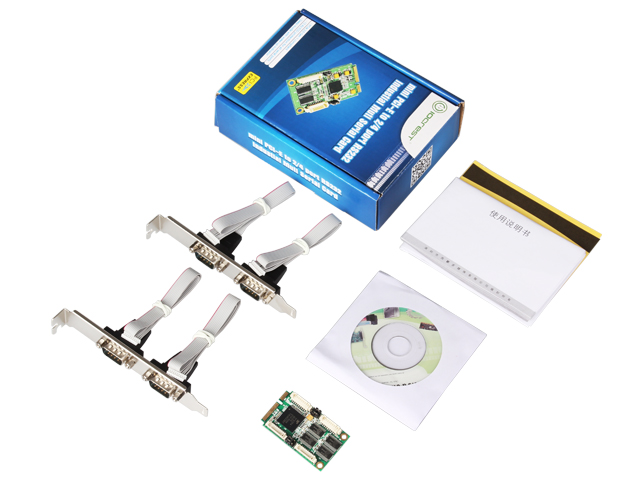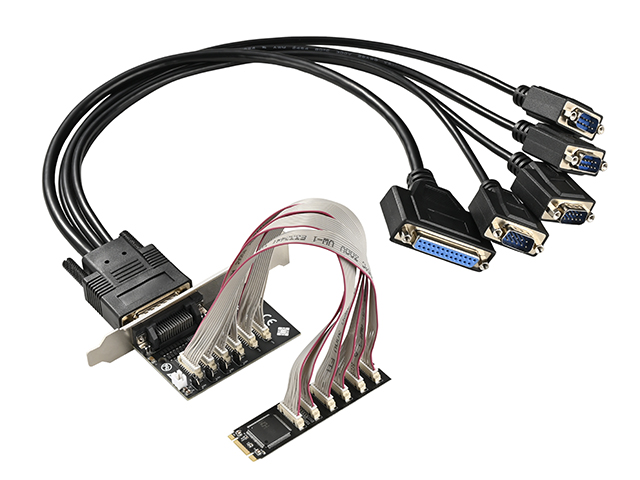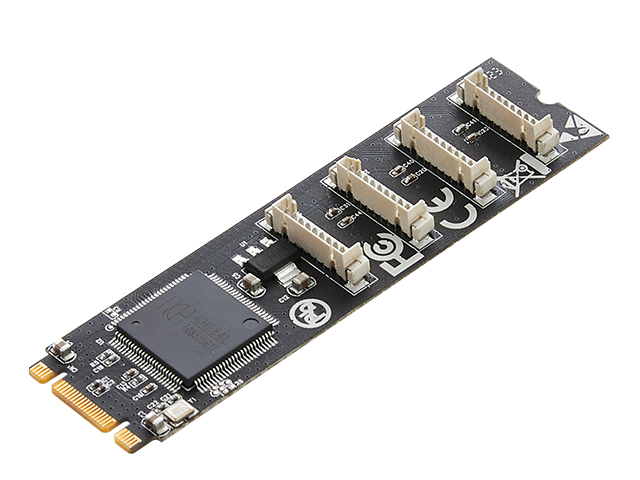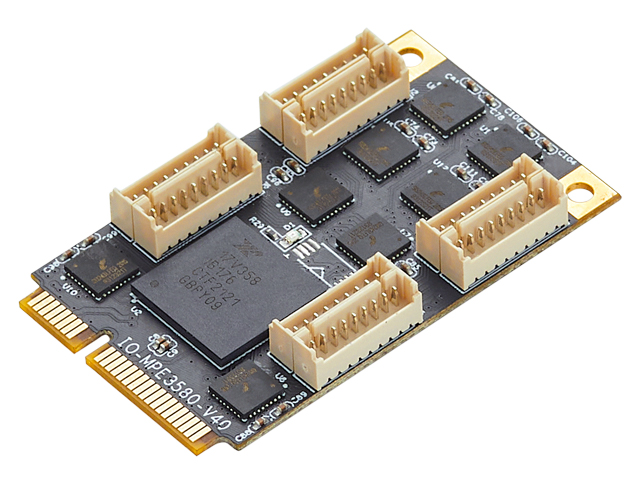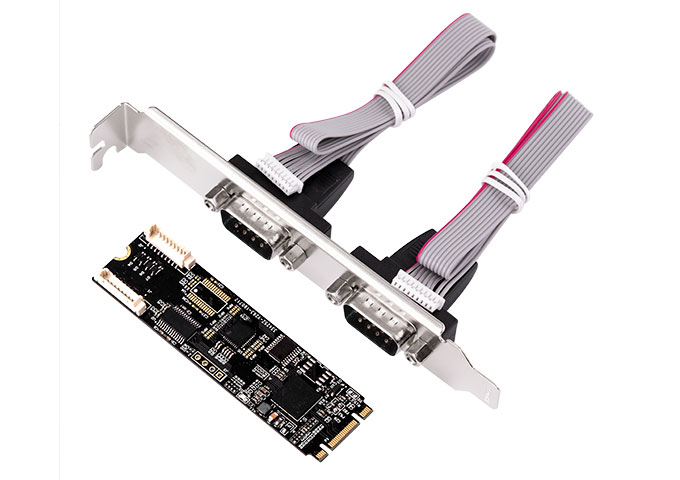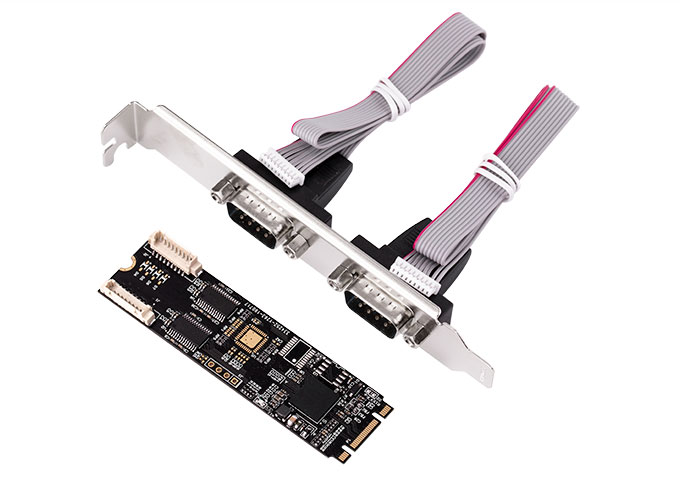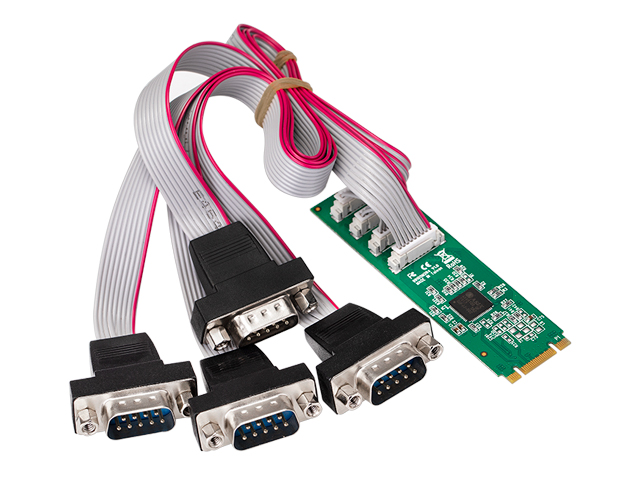



Lekuo Mini PCIe 4-Port RS-232 Serial Card
• Multi-Port Expansion – Adds 4 RS-232 COM ports via Mini PCIe slot.
• Wide Compatibility – Supports Windows and Linux with extended temperature range (-40°C to 85°C).
Features
• PCIe 2.0 Gen 1 compliant
• 15 KV ESD protection for all serial ports
• Sleep mode with wake-up Indicator
• Transmission media: twisted-pair cable or shielded cable
• Direction control: Adopt the technology which automatically controls the data-flow direction、automatically distinguish and control the data-transmission direction;
• UART interface support for 7 or 8 data bits,1 or 2 stop bits and even/odd/mark/space/none
• Flow control none,hardware and xon/xoff
• Extended operating temperature range; -40 to 85⁰C
Applications
• Next generation Point-of-Sale Systems
• Remote Access Servers
• Storage Network Management
• Factory Automation and Process Control
System Requirements
• Windows® Server 2003, 2008, 2012
• Windows® XP, Vista, 7, 8,8.1,10
• Linux 2.6.27, 2.6.31, 2.6.32, 3.x.x and newer
• A available mini PCI Express slot
❓ Does this card support the Kylin system?
✅ It supports Kylin, UnionTech and other Linux systems for use.
❓ Does this card require the installation of drivers? Can it be used with the Win7 system?
✅ Yes, it can be used after installing the drivers. The method for installing Windows drivers can be found in the detail page introduction.
❓ Can Linux systems use it without drivers?
✅ The RS232 serial card supports using the system's built-in kernel drivers, so it can be used without installing drivers. However, RS422/RS485 serial cards with PCI_E and miniPCE interfaces require the installation of drivers for use.
❓How to simply test if the serial port is working and communicating?

❓ How to install drivers on Linux systems? Are there any tutorials?
✅http://www.mmui.com.cn/index.php?id=1782
❓ What is the interface definition of this serial card?
✅ The pin definitions for RS422 are as follows:
1—RXD-
2—TXD+
3—RXD+
4—TXD-
5—GND
6—Empty (VCC is not used in this product)
The pin definitions for RS485 are as follows:
1—Empty
2—TX/RXD+(A)
3—Empty
4—TX/RXD-(B)
5—GND
6—Empty
❓ How can I download the drivers? Which drivers are used? I can't find them on the official website.
✅ Search for our official website's driver download address on Baidu: http://www.mmui.com.cn/data/upload/image/EXAR352_354_358.zip. Scroll down to find EXAR/352/354/358 and download and install it.